Subscribe to the OxCIN Events Calendar
To subscribe via Outlook
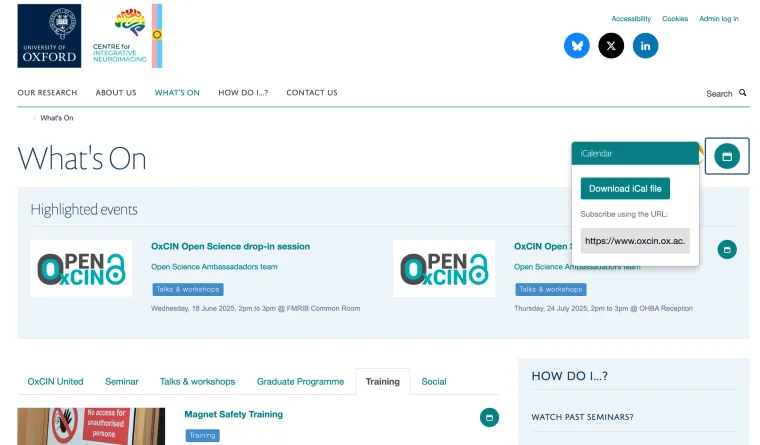
- Visit the OxCIN Events page (www.oxcin.ox.ac.uk/events) click on the small calendar icon (top right corner) and copy the link (Subscribe using the URL).
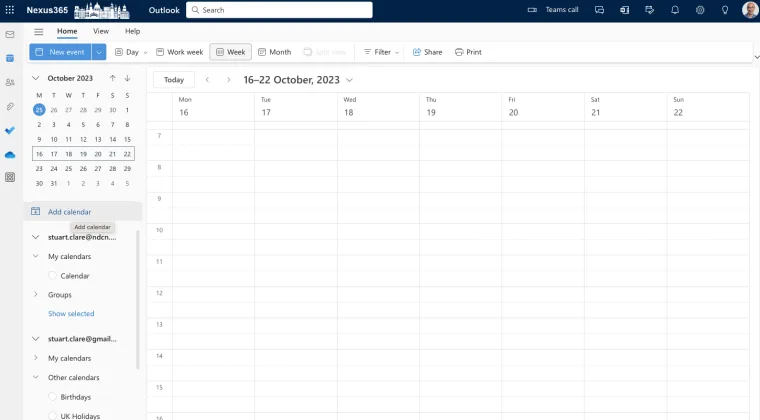
- Log in to Outlook for Web and click Add Calendar. Although the desktop Outlook Apps offer the subscribe functionality, users have reported that they have been unsuccessful subscribing via these apps. Once you have subscribed via Outlook for Web then you will be able to view the subscribed calendar in the desktop apps.
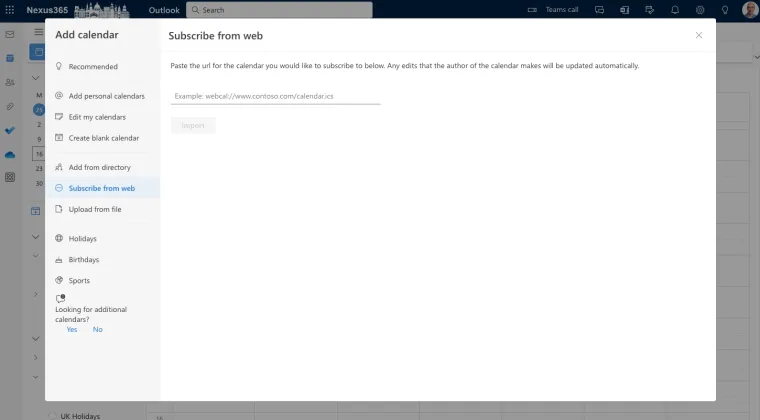
- Select Subscribe from web and paste the URL just copied.
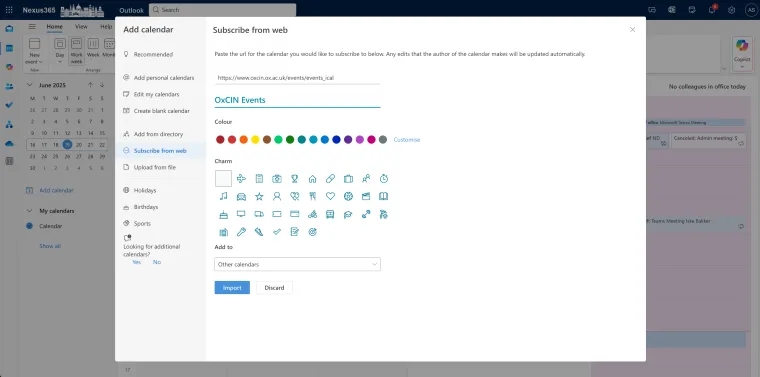
- Give the Calendar a name (e.g. OxCIN Events), set colours and icons, and Import.
- You should now be able to view the calendar in both the outlook web page and other apps you use to subscribe to our outlook calendar.